IT Support, Properly
For the person who was hired to do one job and is now the one everybody rings when the printer stops. Windows, accounts, logs, networking and the two sabotaged printer rounds, built so you can rebuild every fault yourself on a VM.
- trending_upBeginner
- schedule8h 48m
- menu_book12 lessons
- publicEnglish
- workspace_premiumBasic
Briefing
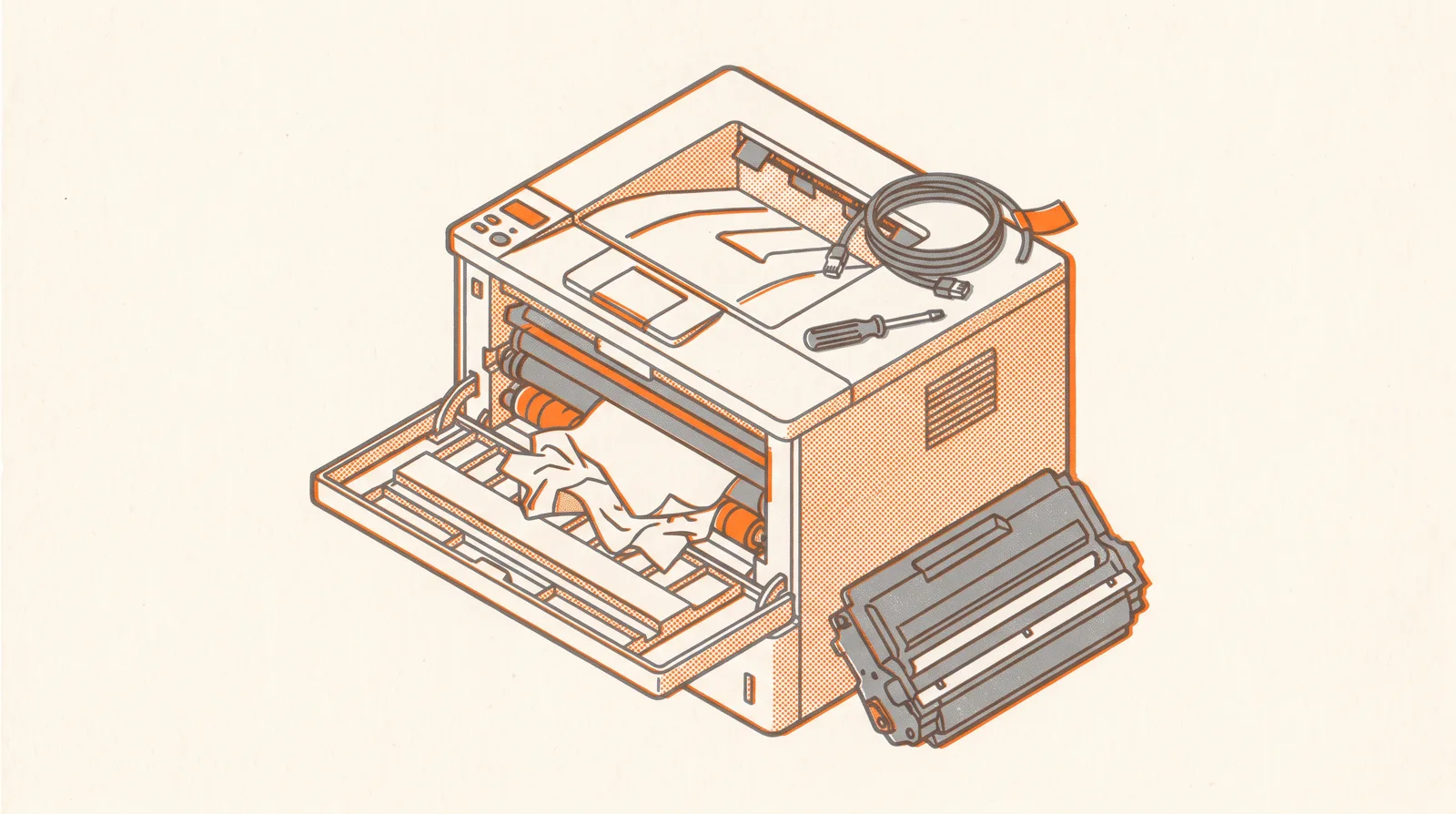
This is not a beginner course and it does not open by explaining what a computer is. It assumes you already do the job. It assumes you already know a lot of words — DHCP, driver, Event Viewer, port — and that the knowledge sitting behind those words is patchy in places you cannot see from the inside. One learner described his own knowledge as fragmented and chaotic, and then fixed the fragments one at a time over five weeks. That is what this segment is. Everything is taught by breaking something first. You will install Windows onto a disk you partitioned yourself, get past the account screen that will not let you past, find out from the logs why a service stopped, delete a folder Windows says you may not delete, and work two printer faults where the printer is on the network the entire time and printing still does not happen. The second printer round does not resolve cleanly. It is left in the state it actually ended in during the real session, because the tidy version teaches nothing. The last module is the one that matters if there is an audit coming. It replaces "install antivirus, drivers and Office" with the four questions a competent person asks before they touch a new laptop at all. Every module ends the same way: you explain what you did to somebody who does not work in IT, in words they will use back to you correctly.
Course outline · 4 modules
lockUnlocks with access- 01 The Machine in Front of You3 lessons·1h 55m
Everyone in support has installed Windows. Very few can say what GPT is, why Secure Boot refused the USB, or what the recovery partition is for. This module fills that in from underneath, on a…
- 02 Reading the Machine3 lessons·1h 53m
The difference between a helpdesk that guesses and a helpdesk that knows is one window. You will stop asking the machine what is wrong and start reading what it already wrote down.
- 03 Networking You Can Actually Use3 lessons·1h 45m
You are not learning networking. You are learning to say, out loud and in under two minutes, which layer the fault is not on. Everything after that is arithmetic.
- 04 The Printer, Twice — and What You Hand Over3 lessons·3h 15m
Round one has an answer. Round two has an answer and then refuses to accept it, which is what real faults do. The third lesson is the one your auditor will ask about.
Frequently asked
- What will I learn in IT Support, Properly?
- For the person who was hired to do one job and is now the one everybody rings when the printer stops. Windows, accounts, logs, networking and the two sabotaged printer rounds, built so you can rebuild every fault yourself on a VM.
- Do I need prior experience?
- No — IT Support, Properly starts from the fundamentals and is suitable for beginners.
- How long does IT Support, Properly take?
- IT Support, Properly includes 4 modules and 12 lessons. You learn at your own pace.
- How do I get access?
- IT Support, Properly is included with any paid subscription.
More in Programming